 By Engadget | Created at 2026-09-29 13:21:42 | Updated at 2026-09-29 15:43:18
2 hours ago
By Engadget | Created at 2026-09-29 13:21:42 | Updated at 2026-09-29 15:43:18
2 hours ago
The most expensive Ethernet cable isn't necessarily the fastest one for your setup.
Anna Reshetnikova/Getty Images
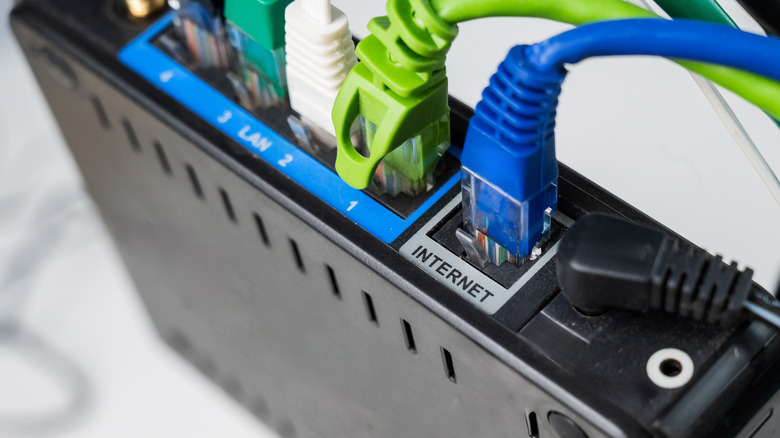
You can pay more for an Ethernet cable and get tougher construction, additional shielding or a higher category rating. But it can't make the rest of your network suddenly faster. Even with a cable rated for more than 1Gbps, connecting two 1GbE (Gigabit Ethernet) devices still tops out at a 1Gbps link, since Ethernet devices negotiate based on the capabilities at both ends.
The cable cannot overrule the ports. Price and speed simply don't move in lockstep, which makes choosing an Ethernet cable less about finding the most expensive option and more about matching it to the hardware you already own and the speeds you actually need.
What actually determines your Ethernet speed
Aydinmutlu/Getty Images
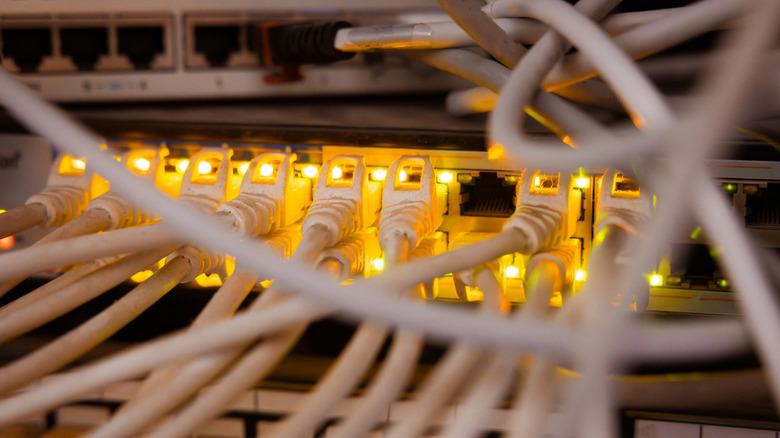
The speed you actually see is limited by the slowest link in the chain. It may be your internet plan, the Ethernet port on the router or switch, the network adapter in your PC or console, the cable itself or the distance of the run (on longer runs).
Although Cat5e is often associated with Gigabit Ethernet, it can do more than that. The Telecommunications Industry Association (TIA) has issued guidance on running 2.5Gbps and 5Gbps Ethernet over existing Cat5e and Cat6 cabling, and Cat6 can support 10Gbps over shorter distances. TIA guidance referenced by Fluke Networks says 10Gbps should operate over Cat6 up to 37 meters and between 37 and 55 meters depending on interference from nearby cables. If you do require 10Gbps over the full 100-meter run, Cat6A is the cleaner choice.
Then there's Cat8, because apparently networking needed a boss level. It is capable of 25Gbps and 40Gbps, is shielded by design and achieves these speeds over a maximum channel length of 30 meters. It was designed for data-center connections, which should give you some idea of how much it's needed in most living rooms.
Cat7 complicates the naming ladder even more. It is recognized under ISO standards, while TIA decided not to include Category 7 in its North American cabling standard. So a higher category number is not a very good shopping strategy.
What is actually worth paying extra for
Oleksandr_U/Shutterstock
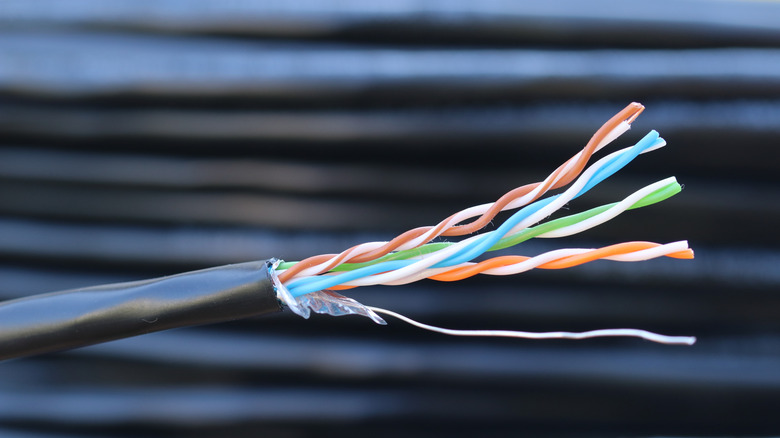
Low-cost Ethernet cables can do just fine. The true red flag is a cable that takes shortcuts in construction, especially copper-clad aluminum, or CCA, sold as an alternative to standards-compliant copper conductors.
According to Fluke, aluminum has approximately 55 percent greater resistance than copper of the same diameter, which can lead to more heat and lower voltage available at Power over Ethernet (PoE) devices such as cameras, access points and phones. US and international twisted-pair cabling standards require 100 percent copper conductors.
At the end of the day, brand matters less than third-party verification. UL Solutions, the testing and certification organization behind the familiar UL mark, has a performance verification program for Category 5e, 6, 6A and 8 cabling, so a UL Verification Mark offers a better indication that the category listed on the jacket isn't just for show. The organization doesn't specify how much a "good" Ethernet cable should cost.
And legitimate cables aren't necessarily expensive. Monoprice now offers 10-foot Cat6 cables with pure bare copper conductors and gold-plated contacts for less than $5, and a shielded 10-foot Cat6A cable for less than $10. It may still be worth paying more for better strain relief, shielding in electrically noisy areas or an in-wall run that would be a hassle to replace later. For the 6-foot cable stashed behind your desk, meeting the specification matters more than networking jewelry.
Both Monoprice examples use gold-plated contacts despite costing less than $10.